
Smart Square HMH Login (Hackensack Meridian Health)

Smart Square HMH provides scheduling control for healthcare professionals. This guide covers everything needed to access and master the platform.
- How to Smart Square HMH login (both methods)
- Fixing login issues and resetting your password
- Navigating your schedule and requesting time off
- Swapping shifts with coworkers
- Using mobile access for on-the-go scheduling
How to Log in to Smart Square HMH
The Smart Square HMH login process takes about 30 seconds. The platform provides two different login paths.
Getting to the Login Page
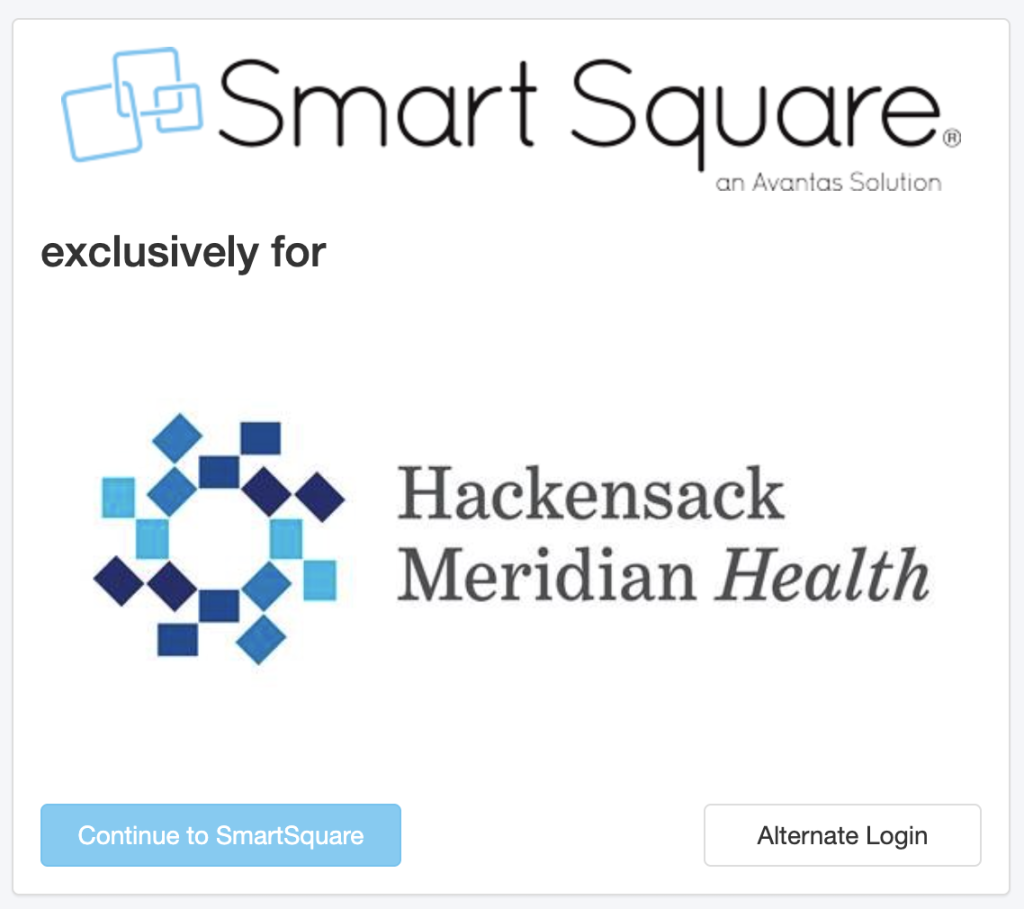
Go to meridian.smart-square.com directly in any web browser. The Smart Square HMH login page displays two buttons: “Continue to Smartsquare” and “Alternate Login.”
Method 1: Continue to Smartsquare
This is the standard route for most healthcare workers.
Click “Continue to Smartsquare.” When the login window appears, enter your email address and password, then click “Log in.” Consider bookmarking this page after your first login for quick access.
Method 2: Alternate Login
Some facilities use different authentication systems. Click “Alternate Login” if instructed by your IT department.
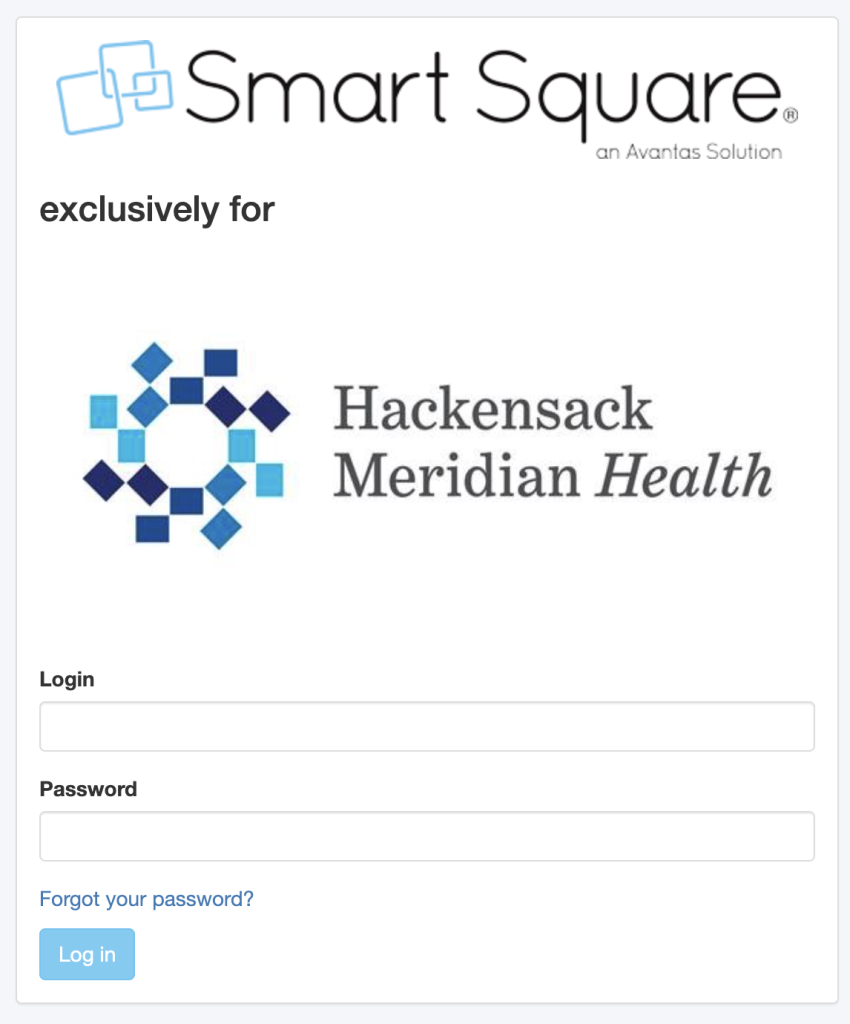
This opens a separate window with fields for:
- Username (not email)
- Password
Enter your credentials and click “Log in.”
Two-Factor Authentication
Smart Square HMH may ask you to verify your identity with a second step. You’ll receive a code by text or email—just enter it when prompted to complete verification. If the verification code doesn’t arrive, check your spam folder, wait 60 seconds, and request a new code if needed.
What Happens After Login
Your dashboard displays upcoming shifts front and center.
The navigation menu on the left provides access to:
- Schedule viewing and requests
- Shift swaps
- Time-off submissions
- Staffing updates
Mobile access works the same way, and the login process remains consistent across phones, tablets, and desktop devices.
How a Forgotten Password Can Be Recovered
Smart Square HMH provides straightforward password recovery.
Go to https://meridian.smart-square.com/v2/passwordResetEmail?DB_OEM_ID=1800. This is the dedicated password reset page.
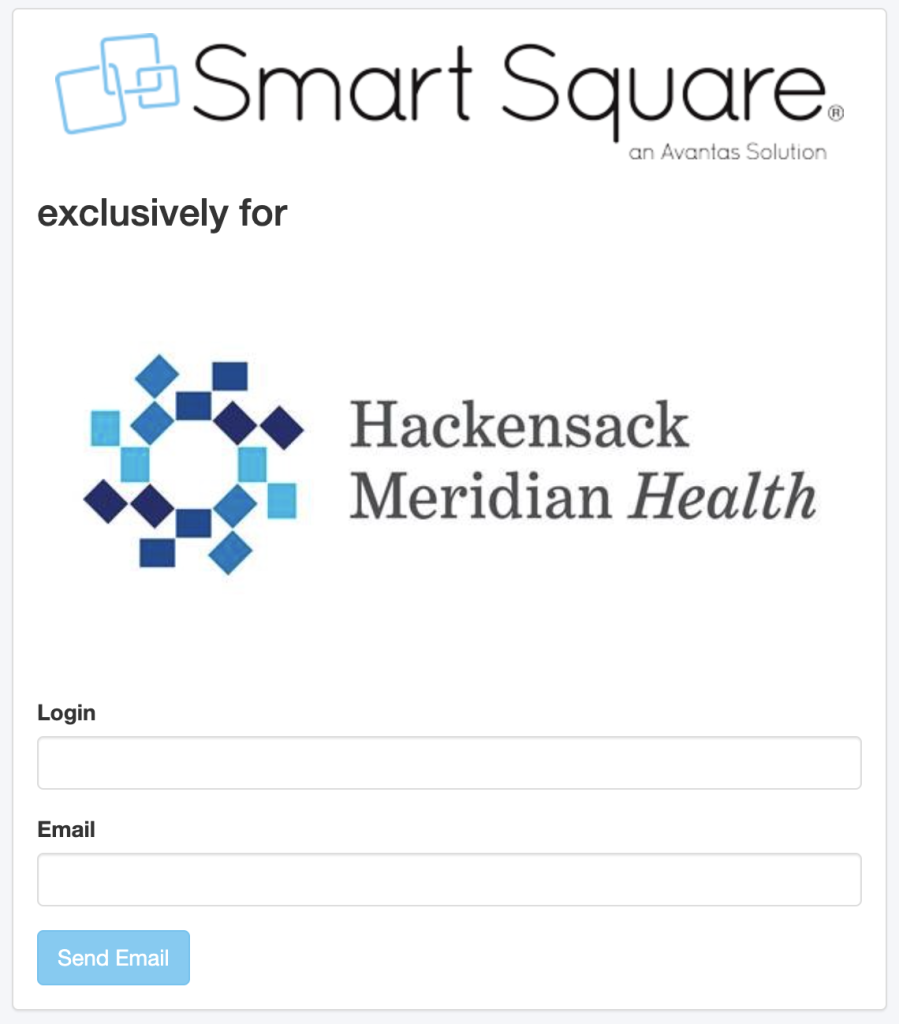
You’ll need to fill in these fields:
- Your organization’s registered email address
- Your login username
Enter both exactly as they appear in your employee records, then click “Send Email” and check your inbox.
Finding the Reset Email
You’ll receive an email from admin@smart-square.com within 2–3 minutes.
The email contains a link—click it to access the page where you can create a new password.
Password requirements typically include:
- At least 8 characters
- One uppercase letter
- One number
- One special character
Steps for Changing Your Password
Log into Smart Square HMH using your current credentials. Locate your profile icon in the top-right corner and click it.
A dropdown menu appears. Select “Account Settings” or “Profile Settings.”
Making the Change
The “Change Password” section displays three fields:
- Current password
- New password
- Confirm new password
First, type your current password, then enter your new password twice to confirm it. Click “Save Changes.” The system logs you out automatically. Sign back in with your new password to confirm the update.
Smart Square Hackensack Meridian Health (HMH)
Hackensack Meridian Health partnered with Avantas to create Smart Square HMH—a workforce management system built specifically for healthcare operations.
The platform understands that hospitals operate differently. Patient loads fluctuate, staff availability changes, and emergencies occur. Smart Square HMH handles all these variables.
Why Healthcare Needs Different Tools
Traditional scheduling software doesn’t account for the complexities of medical settings. Census numbers change hourly, acuity levels vary, and staff specialize in different areas. Smart Square factors in all these variables when building schedules.
The system runs predictive analytics, analyzing historical data including patient admission patterns, seasonal trends, and local events. It then suggests optimal staffing levels.
Who Uses This Platform
Hundreds of healthcare facilities rely on Smart Square HMH for workforce management:
- Hospitals (from small community centers to major medical complexes)
- Outpatient clinics
- Long-term care facilities
- Rehabilitation centers
The software scales appropriately. A 50-bed hospital uses the same core platform as a 500-bed trauma center. Smart Square HMH reduces administrative burden on charge nurses and managers.
Characteristics: Smart Square HMH
Smart Square HMH provides comprehensive workforce optimization features.
Scheduling and Staffing
View your schedule weeks in advance, see coworkers, and spot open shifts immediately.
The system auto-generates schedules based on:
- Patient census projections
- Staff skill sets and certifications
- Shift preferences
- Union rules and labor laws
- Budget constraints
Managers can build templates for different units and replicate successful patterns.
Shift Swapping and Time-Off Requests
Submit shift swap requests directly in Smart Square. Your coworker receives a notification, accepts or declines, and the manager approves.
Time-off requests work similarly. Select dates, add an optional reason, and submit. No paper forms are required.
The approval chain is transparent, showing exactly where your request sits—pending manager review, approved, or denied with an explanation.
Real-Time Alerts and Messaging
Communication occurs inside the platform. Managers send unit-wide announcements. Staff can message each other about shift coverage.
Alerts include:
- Schedule changes
- Open shifts in your unit
- Time-off approval status
- Mandatory training reminders
Push notifications work on mobile devices.
Compliance Tracking
Smart Square monitors certification expiration dates, required training hours, and overtime limits. It flags issues before they become problems.
This protects both employees and facilities from compliance violations.
Analytics Dashboard
Managers access workforce data such as:
- Overtime trends by unit
- Understaffing patterns
- Cost per patient day
- Schedule efficiency metrics
These insights drive better decisions.
Mobile Accessibility
Everything works on mobile devices. The same features and interface are available. You can check schedules, swap shifts, and request vacation days from anywhere.
Scheduling Smart Square HMH Login
Once logged into Smart Square HMH, scheduling features become accessible.
Accessing Your Schedule
Click “My Schedule” in the top-left navigation menu. Your personal calendar loads immediately.
Shifts display:
- Date and time
- Unit assignment
- Shift type (day, evening, night)
- Coworkers scheduled
Toggle between weekly and monthly views using the buttons above the calendar.
Reading the Shift Calendar
Color-coding system:
- Green = Your confirmed shifts
- Yellow = Pending requests (swaps or time-off)
- Blue = Open shifts available for pickup
- Red = Shifts needing coverage urgently
Click any shift for more details, including start time, end time, break schedule, and special notes.
Submitting Shift Requests
Click an open shift you want. A “Request Shift” button appears.
The system checks if you’re qualified for that shift. If qualified, your request goes to the manager. Approval usually occurs within 24 hours.
Swapping Shifts with Coworkers
Click the shift you want to swap. Select “Swap Shift” from the dropdown menu.
The system shows eligible coworkers with the appropriate certifications who aren’t already scheduled. Select someone and add an optional message.
They receive a notification and can accept or decline. If accepted, the swap goes to your manager for final approval. Both shifts update simultaneously.
Requesting Time Off
Click “Request Time Off” in the main menu. A calendar appears. Select start and end dates.
Choose your reason from the dropdown:
- Vacation
- Personal day
- Sick leave
- Bereavement
- Other
Add notes if needed and submit. Your manager reviews the request alongside current staffing levels.
Setting Shift Preferences
Navigate to “Preferences” in your profile settings.
Indicate preferred shifts:
- Days vs. nights vs. evenings
- Specific days of the week
- Weekend vs. weekday preference
- Consecutive days vs. scattered schedule
The scheduling algorithm considers these preferences when building the roster.
The Benefits and Aspects of Smart Square HMH
Smart Square HMH transforms how healthcare facilities manage their entire workforce.
Workforce Planning That Actually Works
Traditional scheduling relies on guesswork. Smart Square uses predictive analytics to forecast patient demand.
The system analyzes:
- Seasonal admission trends
- Historical census data by day and time
- Local events that impact ER volume
- Weather patterns affecting patient flow
It then suggests optimal staffing levels, cutting labor costs without sacrificing patient care.
Better Work-Life Balance for Staff
Autonomy matters in healthcare. Smart Square gives staff control over schedules.
Features include:
- View schedules months in advance
- Submit time-off requests without tracking down managers
- Swap shifts directly with qualified coworkers
- Pick up extra shifts when needed
- Set preferences the system considers
This flexibility reduces burnout. When you can plan life around your work schedule instead of reacting to last-minute changes, stress drops significantly.
Resource Allocation That Matches Reality
Hospitals operate on thin margins. Smart Square finds the optimal balance between overstaffing and understaffing.
The platform matches staff skills to patient needs in real time. Managers make informed decisions instead of instinctive calls.
Improved Patient Experience
When staff schedules align with patient demand, outcomes improve. Patients get faster responses, nurses maintain manageable ratios, and doctors have necessary support.
The patient portal integration allows patients to:
- Schedule appointments online
- Access medical records
- Message their care team directly
- Get appointment reminders automatically
Real-Time Bed Management
Smart Square tracks bed occupancy in real time.
The system displays:
- Current bed availability by unit
- Projected discharge times
- Incoming admissions from the ER
- Transfer requests between units
This visibility prevents bottlenecks. Smart Square shows not just the current status but projected status in the next 4–8 hours.
Operational Efficiency Through Data
Every interaction with Smart Square generates data that becomes intelligence.
Hospital administrators can spot patterns:
- Which units consistently run overtime
- When understaffing creates quality issues
- How seasonal trends affect specific departments
- Where scheduling inefficiencies waste resources
These insights drive strategic decisions.
Seamless Integration with Existing Systems
Smart Square integrates with HR software, payroll systems, and electronic health records.
Data flows automatically between systems. Schedule information feeds into payroll, certification tracking syncs with HR databases, and time-off requests connect to benefits platforms.
Compliance Monitoring on Autopilot
The system automatically tracks:
- Certification expiration dates
- Required training completion
- Overtime limits and labor law compliance
- Shift length restrictions
- Meal and break requirements
Early warnings prevent violations.
Cost Reduction Without Quality Cuts
Smart Square typically reduces labor costs by 2–4% within the first year.
Savings come from:
- Reduced overtime through better planning
- Lower agency staffing costs
- Decreased turnover from improved work-life balance
- Optimized census-to-staff ratios
Patient care improves while costs drop.
FAQs
Conclusion
Smart Square HMH simplifies scheduling for healthcare professionals. The Smart Square HMH login process takes seconds, and its features provide real control over work schedules.
The platform eliminates complexity in healthcare scheduling. Bookmark the Smart Square HMH login page, set up preferences, and use the mobile app to maximize efficiency.